

Export & Import
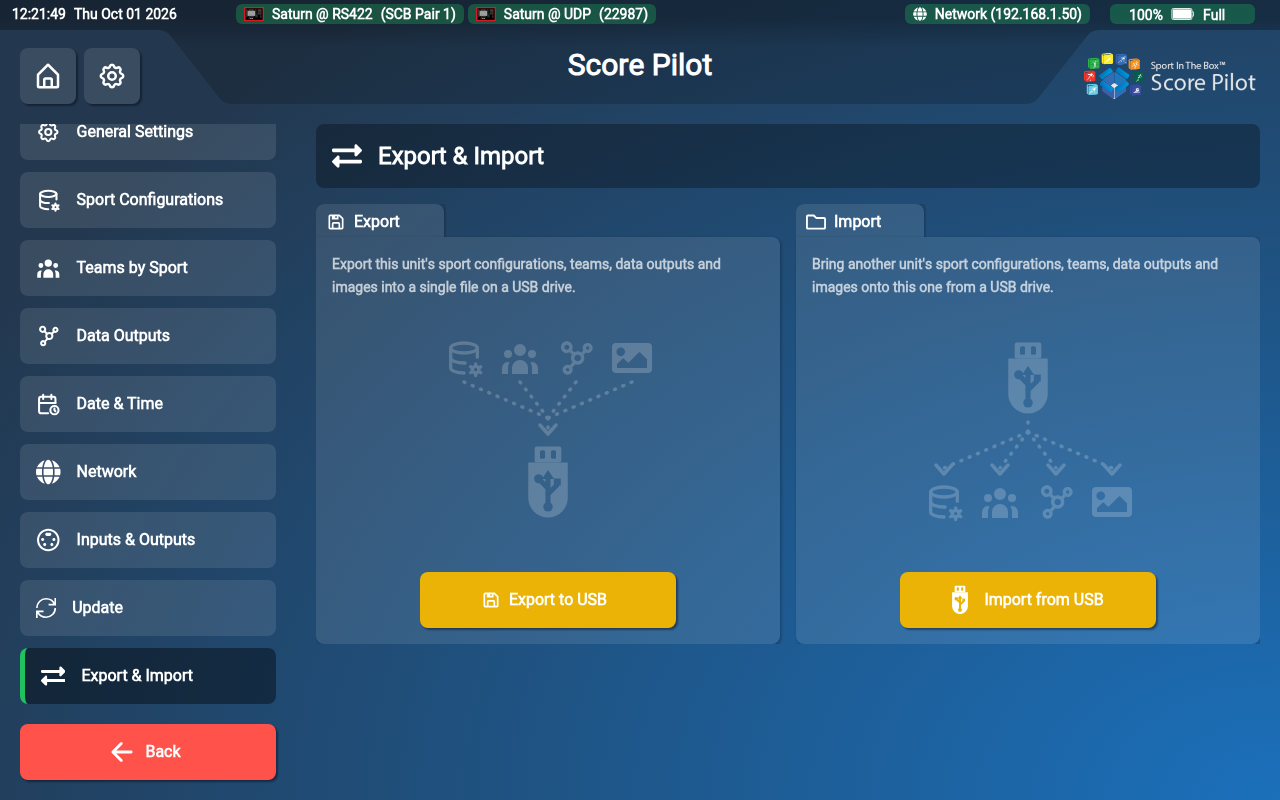
Export sport configurations, images, teams or data outputs from one Score Pilot to be able to copy the setup easily to a second Score Pilot unit. Export requires a connected USB to export to.
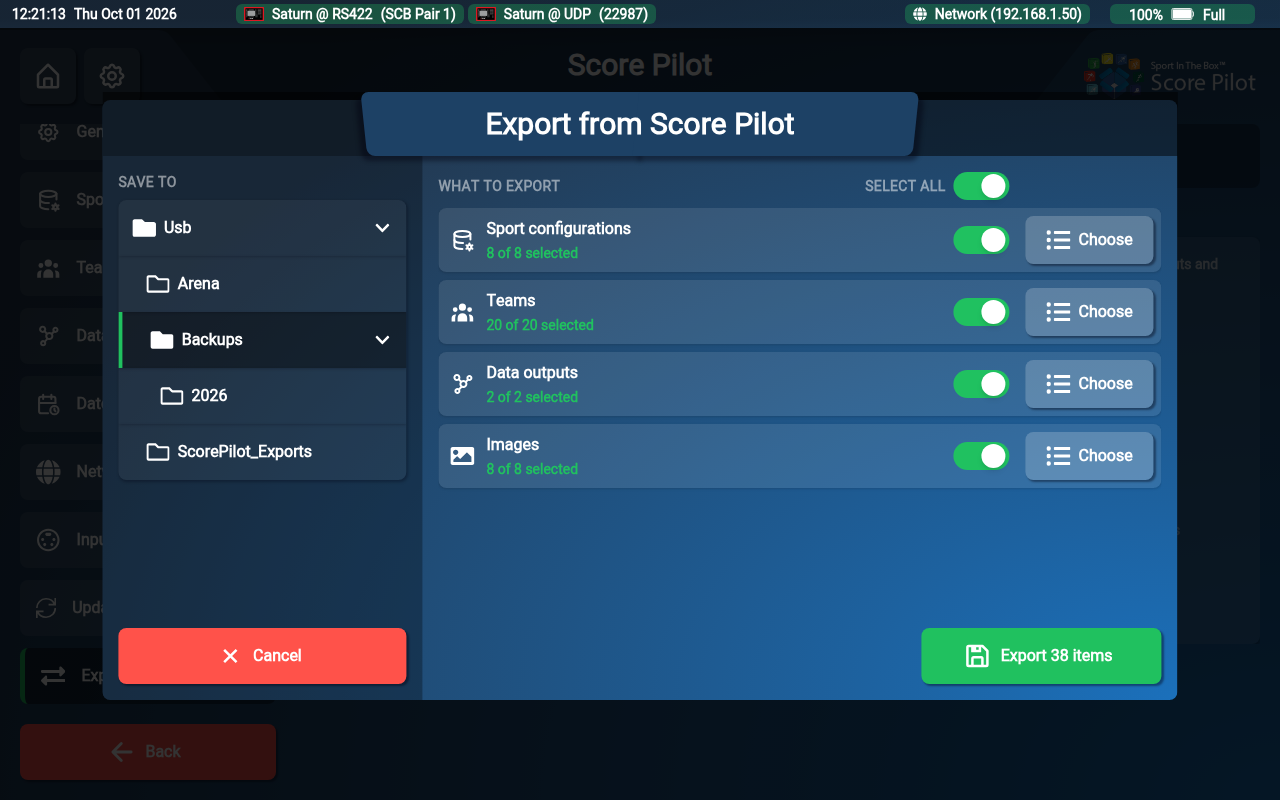
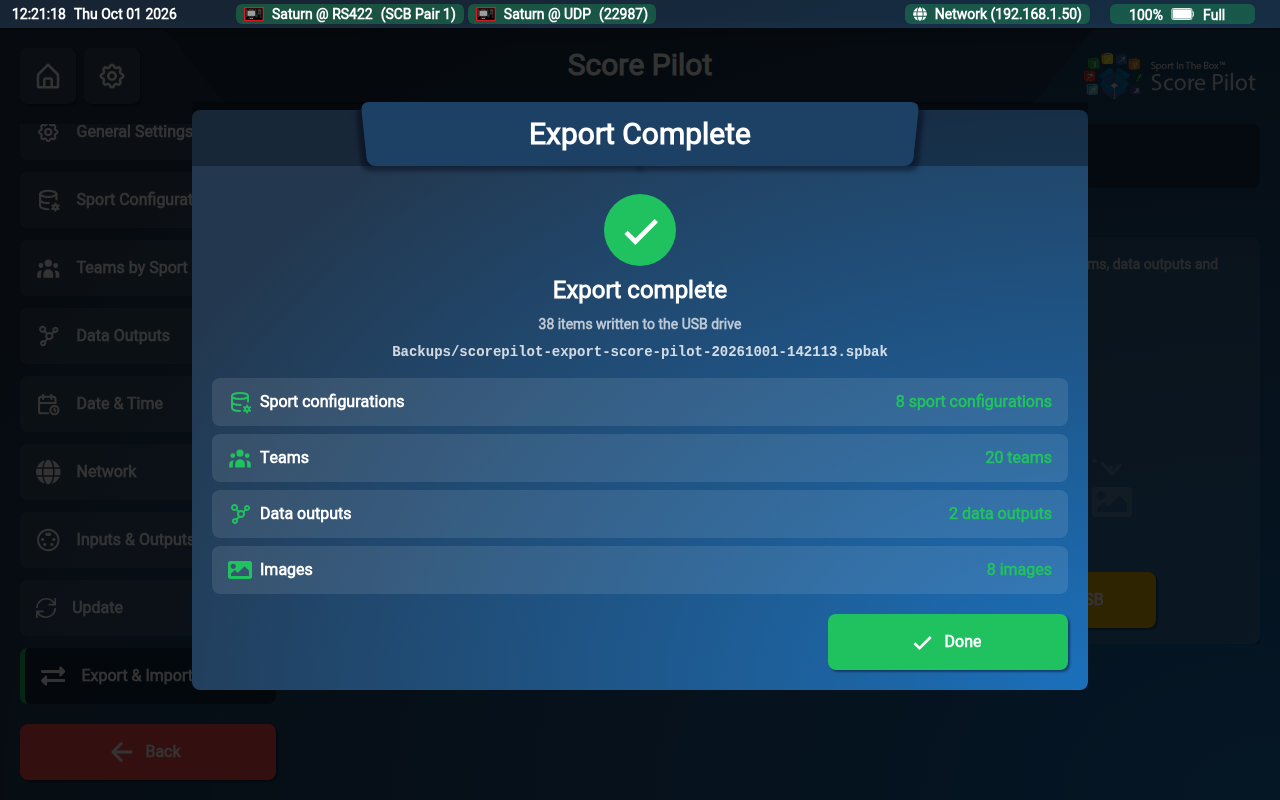
Insert a USB drive (FAT32, exFAT or NTFS). Press Export to USB, choose what to export (sport configurations, teams, data outputs and images; use Choose to pick single items), choose the folder under Save to and press Export. Do not remove the drive until the export is complete.
To import, insert a drive that holds an export, press Import from USB, select the export and choose what to import. If the export comes from a different software version, the unit shows what cannot be imported.
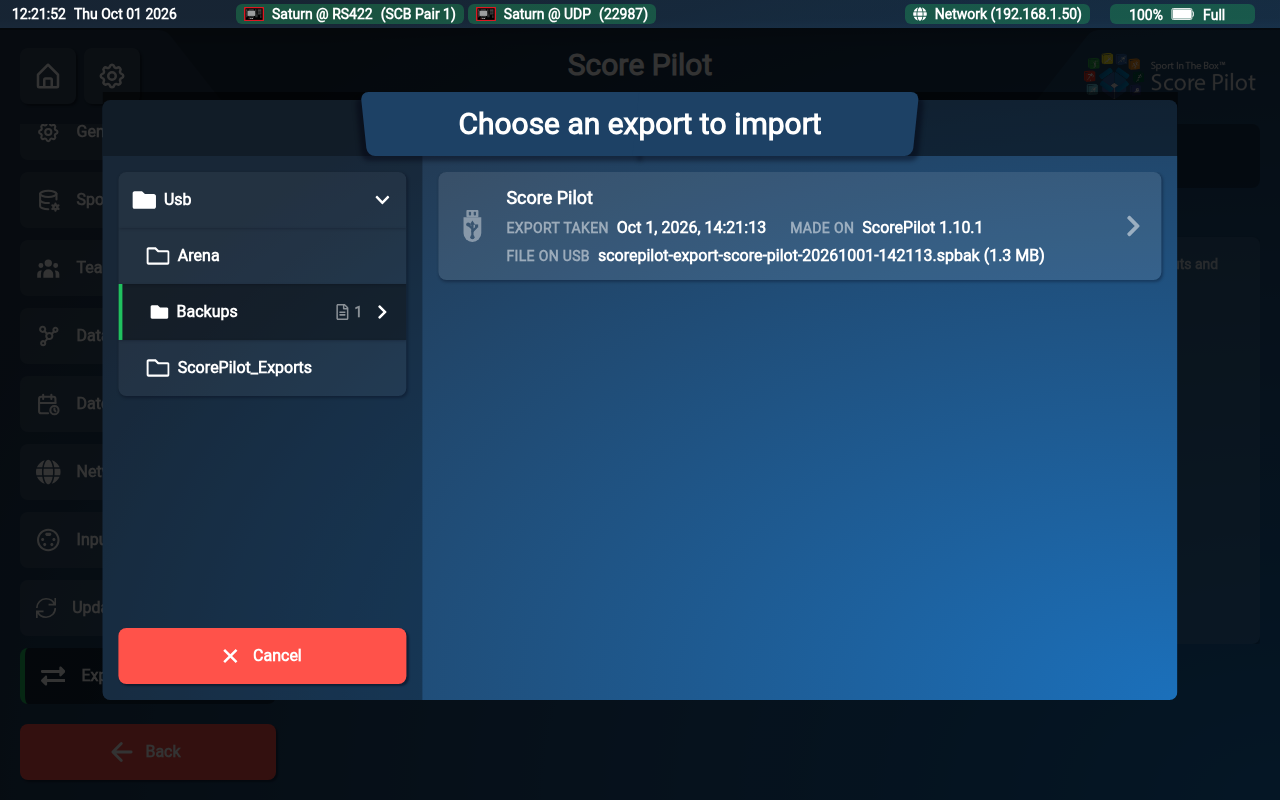
If the USB connected has Exported data from a Score Pilot unit, select which export to import and what to Import.