
General Settings
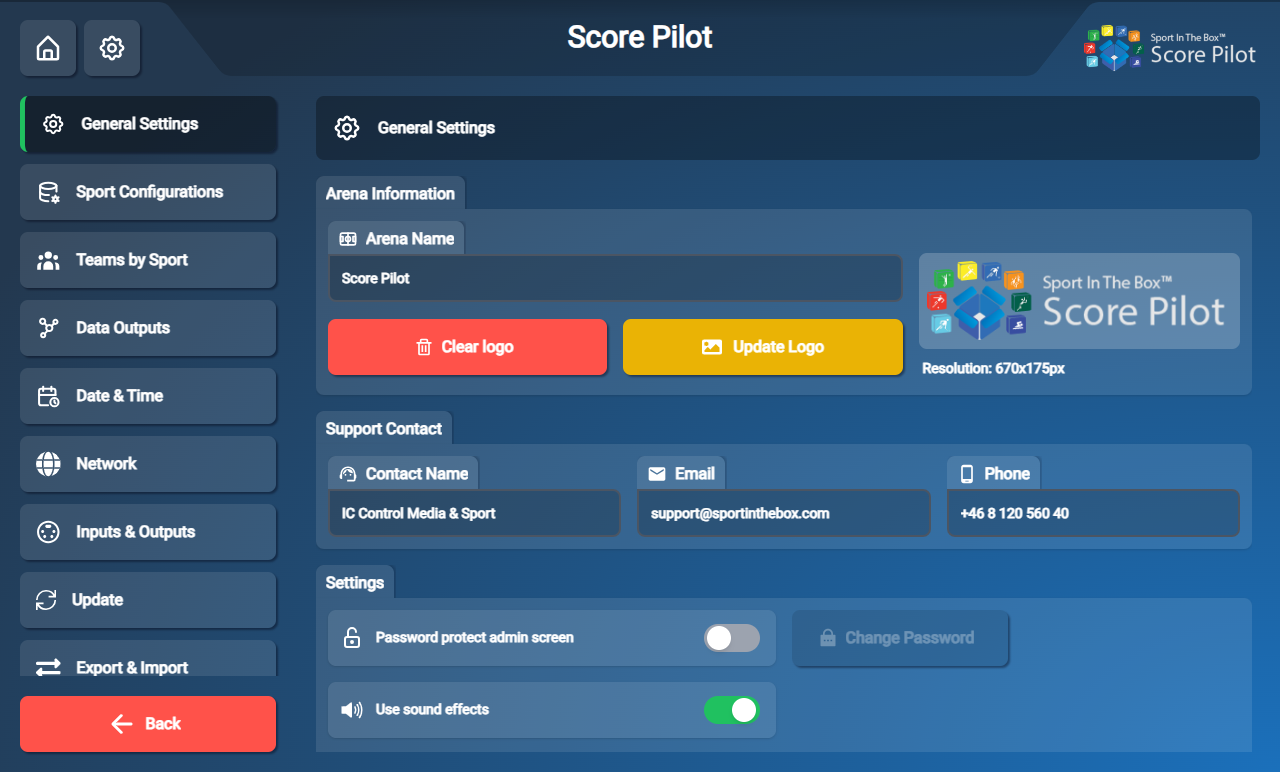
In General Settings it is possible to adjust Settings regarding the Score Pilot console.
| Setting | Description |
|---|---|
| Arena Name | The name of the console shown in the header. If multiple consoles are used in same arena, this can be the box name, for example “Main unit” or “Court 1” |
| Logo | Arena logo or Score Pilot logo shown in the top right corner. Can be used to brand the unit and show where it belongs. |
| Support Contact | Information on who to contact for support. |
| Password protect admin screen | If enabled, “Settings” will be protected with a pin code. To open “Settings” the user will have to enter the pin code. |
| Use sound effects | Turn on and off sound effects from interaction with the Score Pilot console. XLR sounds for horn will not be affected! |
| System Volume | Adjustable volume for all interaction sounds in the console. |
| XLR Volume | Adjustable volume for the XLR output, for example Horn sounds. |
| Keyboard language | Change the language of the on-screen keyboard. Available options: English and Swedish. |
| Interface language | Change the language of the console’s menus and texts. Available options: English and Svenska. |
| Manage images | Opens Manage Images, where images stored on the unit can be removed to free space. See Manage images below. |
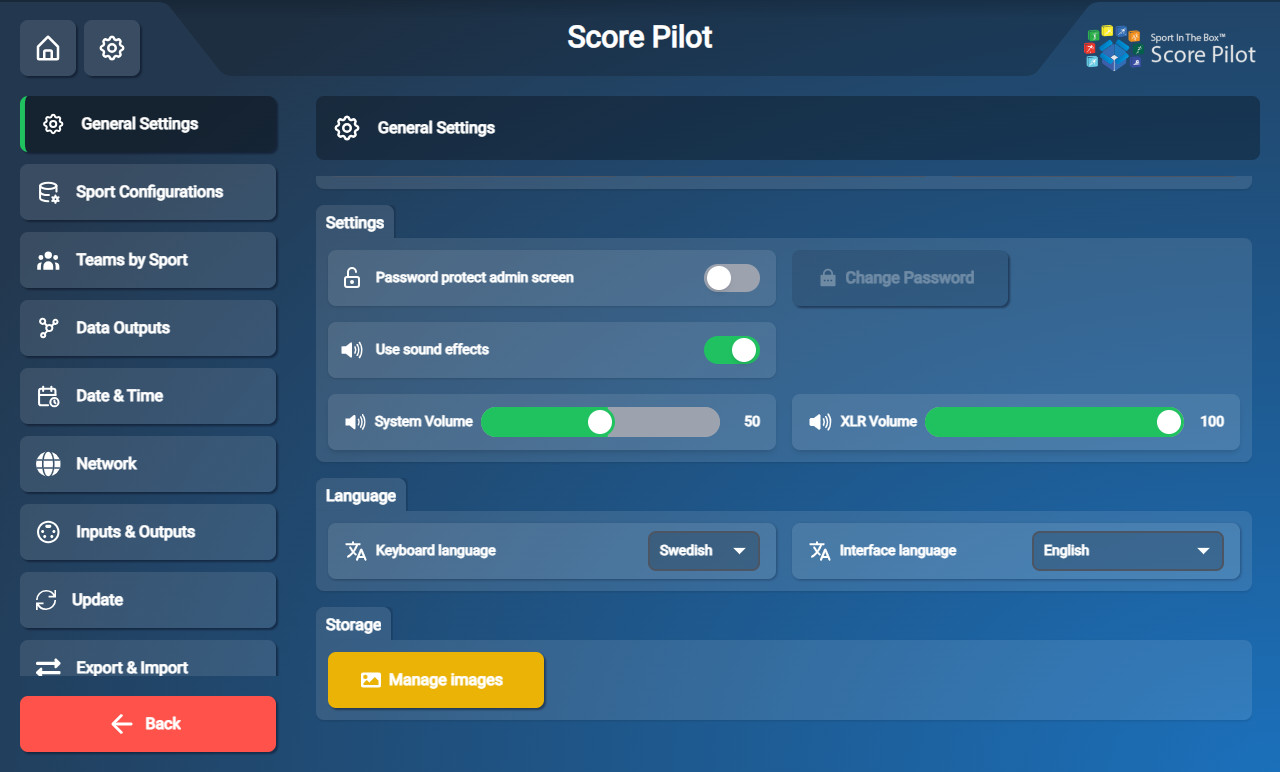
The Language and Storage sections are at the bottom of the General Settings page.
Manage images
Section titled “Manage images”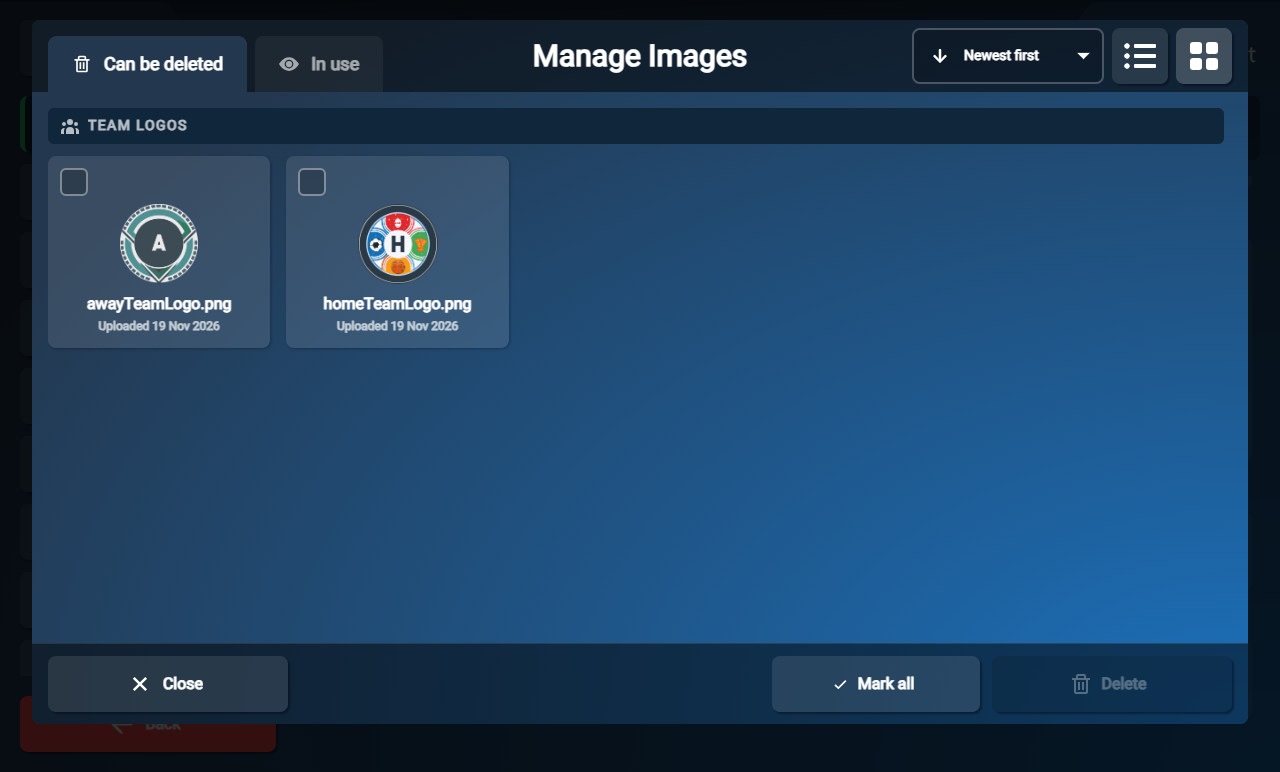
Press Manage images to see the images stored on the unit. The Can be deleted tab lists images that nothing uses. Mark the images to remove, or press Mark all, and press Delete. Sort the list with the menu at the top, and switch between list and grid view.
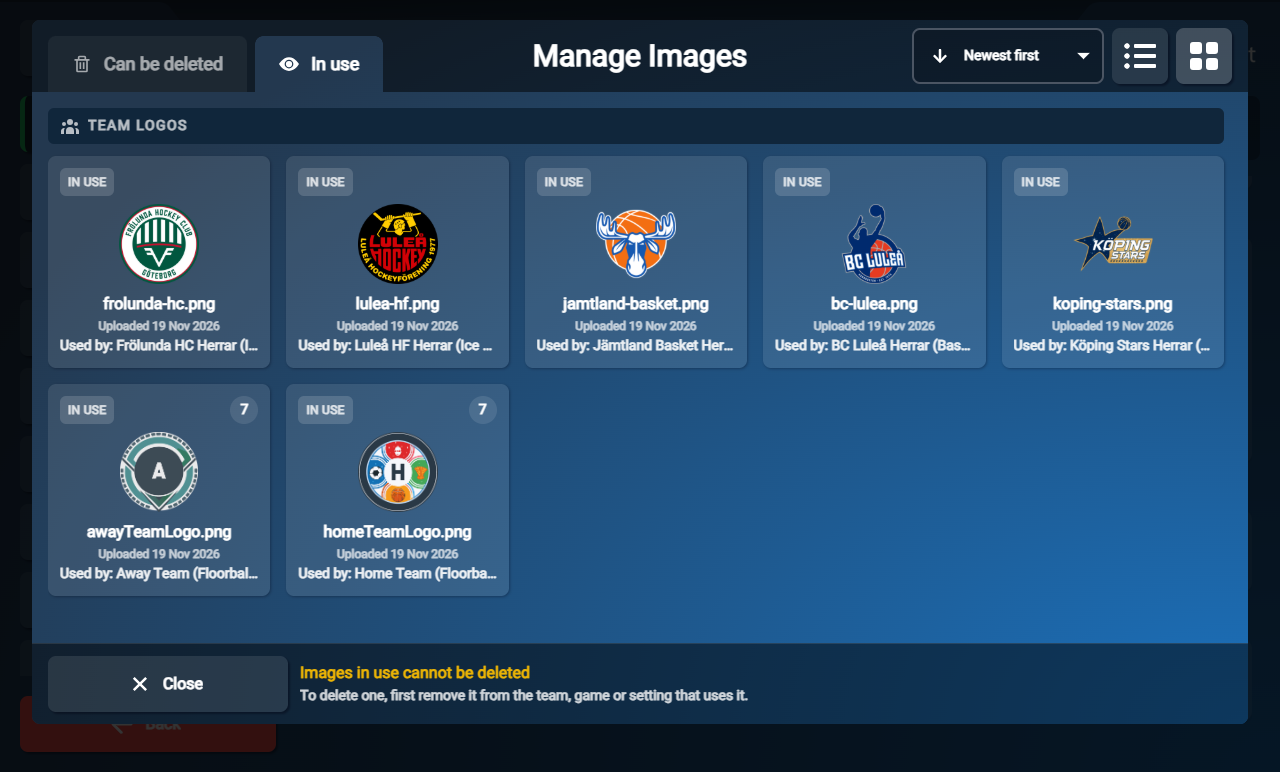
The In use tab shows which team, game or setting uses each image. Images in use cannot be deleted; to delete one, first remove it from the team, game or setting that uses it.