

Teams by Sport
Teams in ScorePilot is unique to each sport, so a Hand ball team can’t be used in a Floor ball game.
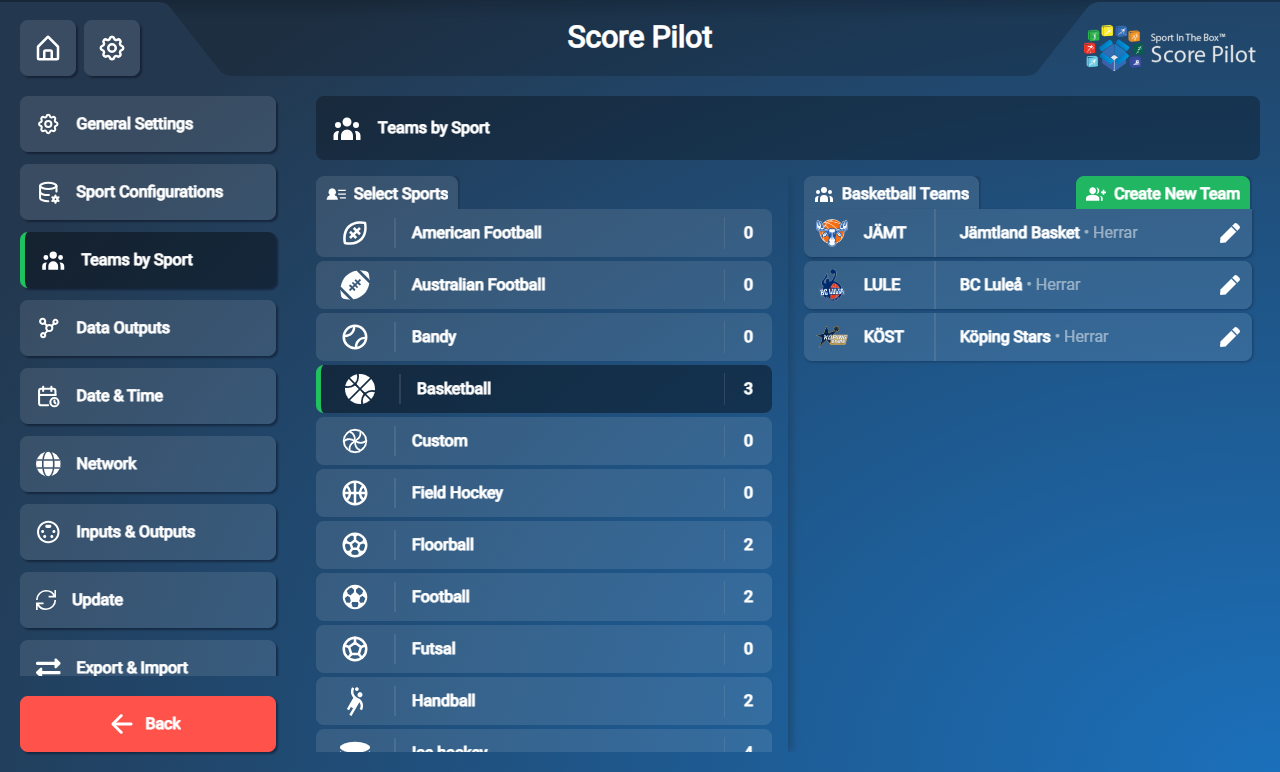
This tab shows all teams for every sport in the console. Each sport category displays its full roster of teams, allowing quick navigation and easy selection. Select a sport to view its complete team list, access team information, or make further configurations.
This section can be used to prepare teams ahead of games, such as adding team logos, players, and correct names.
Select a team to edit the team’s settings or details.
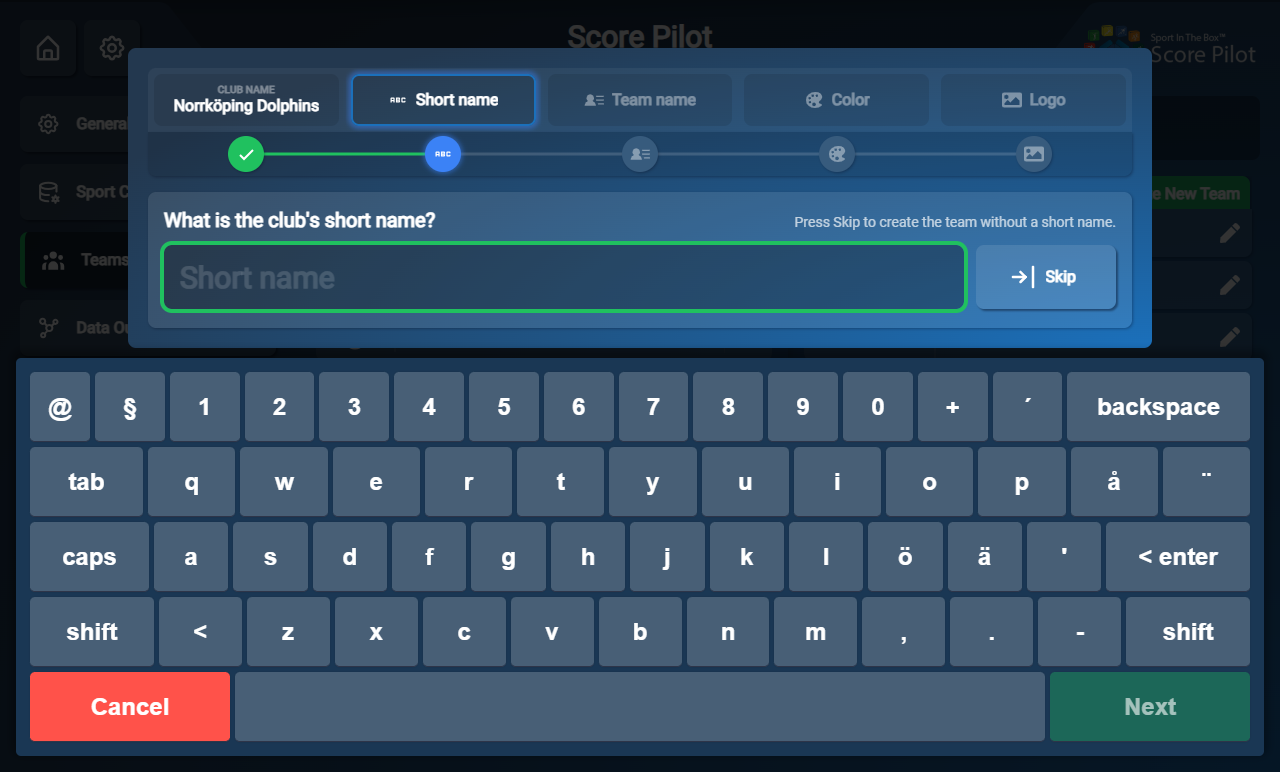
Teams are listed with club name, team name and the team’s jersey colour. To add a team, select the sport and press Create New Team. A short guide asks for the club name, short name, team name, team colour and logo; short name and team name can be skipped. Press Create team, then add players on the Team & Players page.
Under Visibility & Protection, it is possible to lock the team from changes. This is so only administrators with the pin code can make changes to the team, protecting teams from getting updated from within a game. This way the administrators can prepare the teams ahead of games, and anyone can run the game on the day of the match.
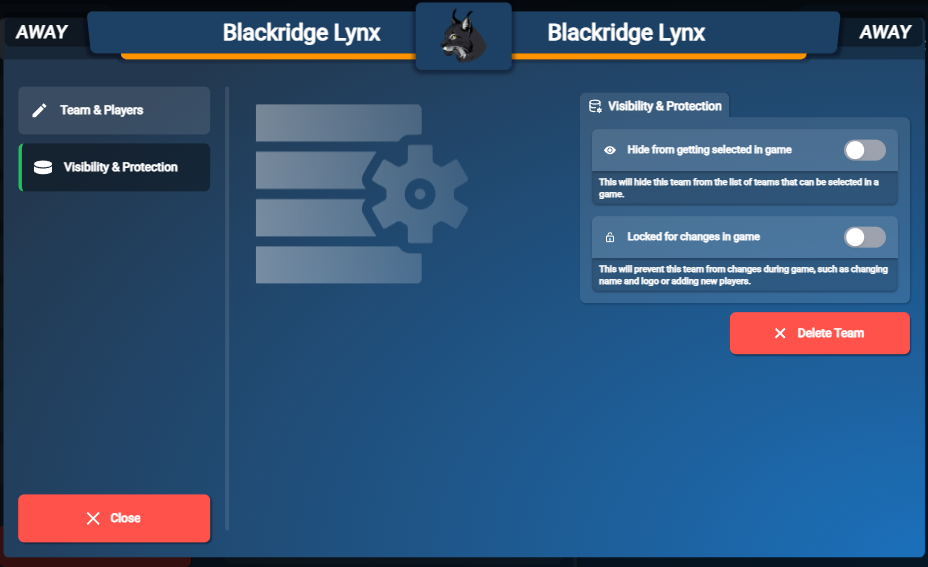
It is also possible to hide a team from the lists of teams available within a game. This way a team can be prevented from being selected for any game.