Update
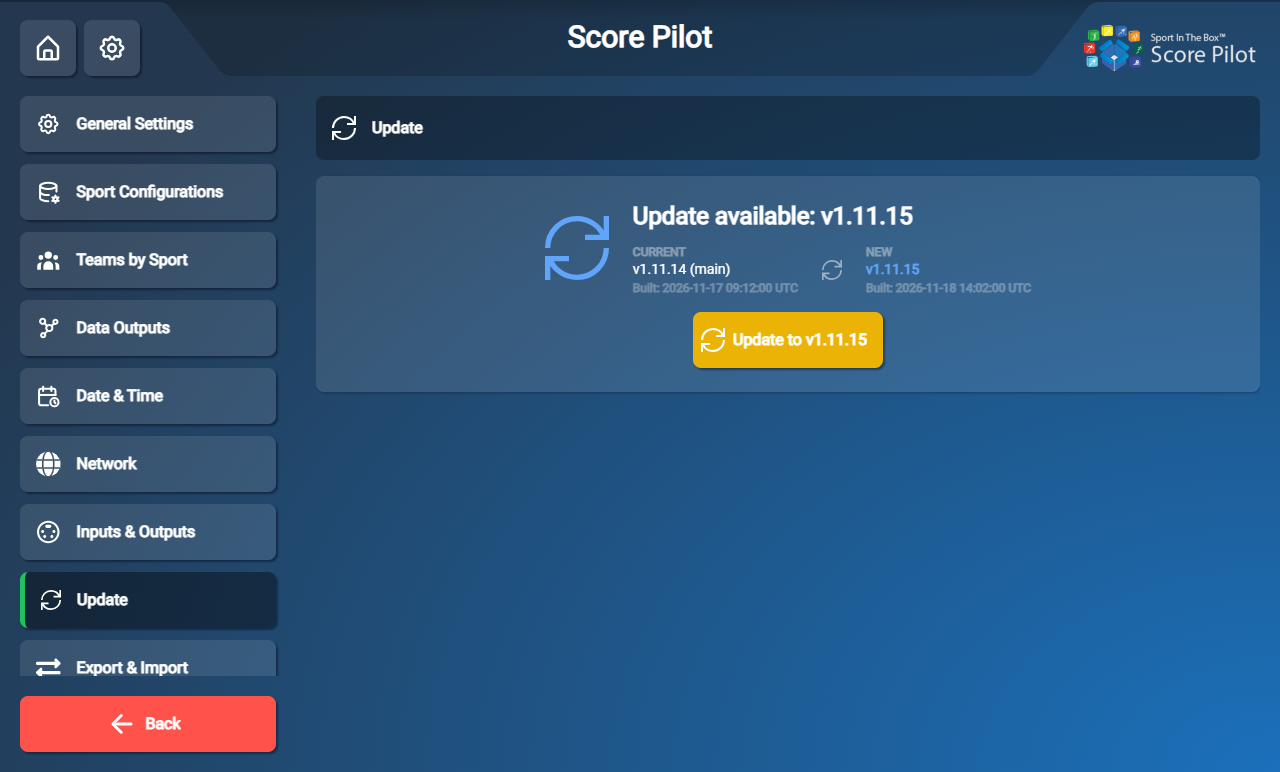
When a new version is released, the Update page shows Update available with the current and the new version, and a yellow Update to
If the update has already been downloaded, the page says it is ready to install and the button reads Install
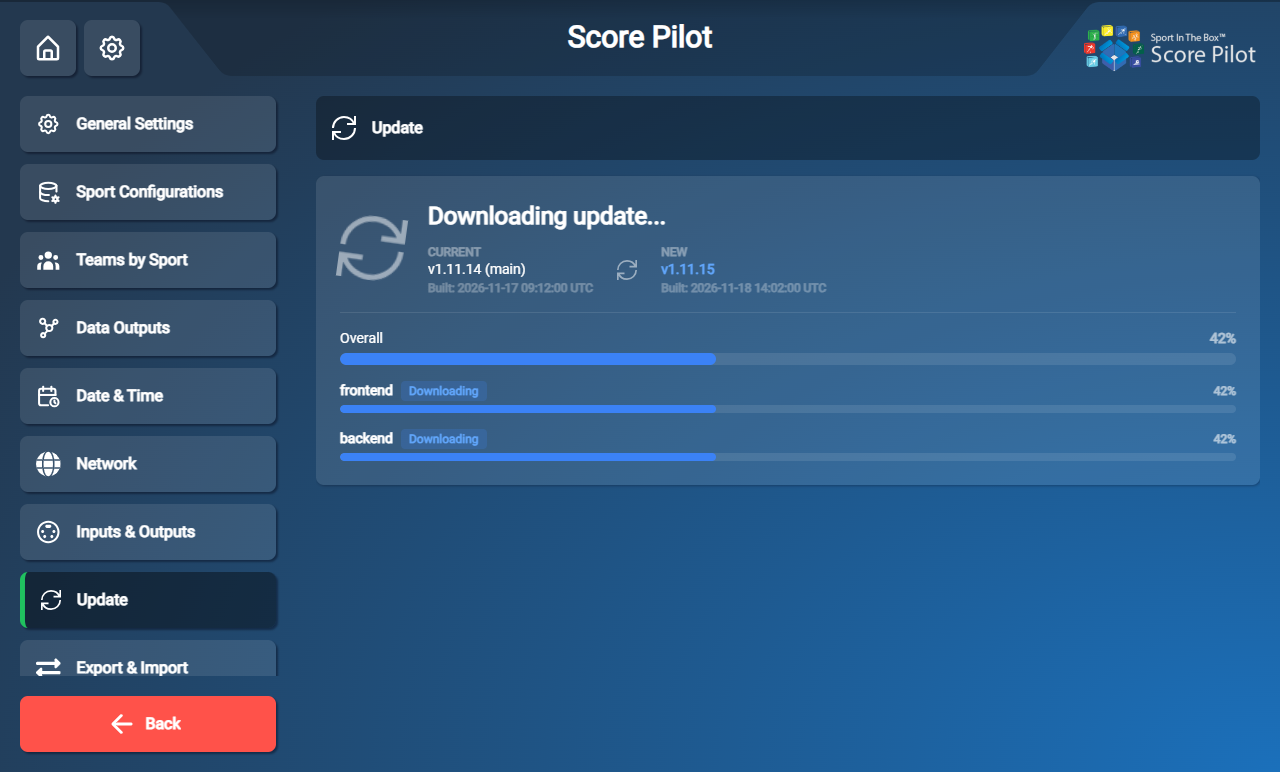
When a new version is released, the Update page shows Update available with the current and the new version, and a yellow Update to
If the update has already been downloaded, the page says it is ready to install and the button reads Install